
To install beaver IoT, follow https://www.milesight.com/beaver-iot/docs/user-guides/getting-started
in brief, first we install docker desktop, i choose the default wsl and run the command docker run -d --name beaver-iot -v %cd%:/root -p 80:80 -p 1883:1883 milesight/beaver-iot
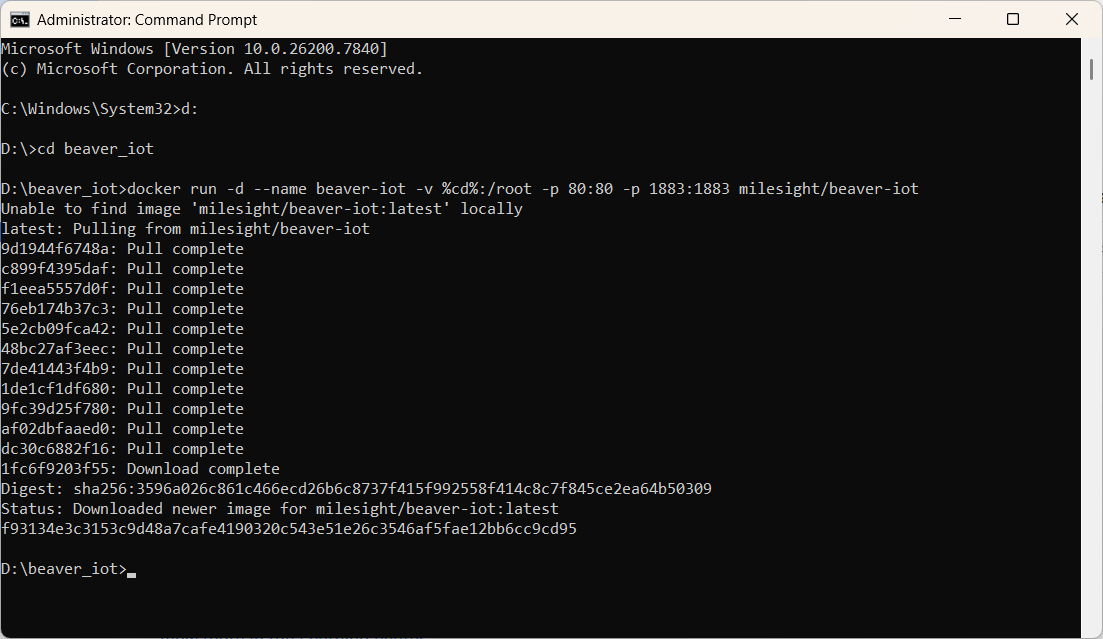
after installation, use a browser to browse to your pc ip address. you can use ipconfig /all to check the ip address. avoid typing localhost as it will cause unexpected behaviour
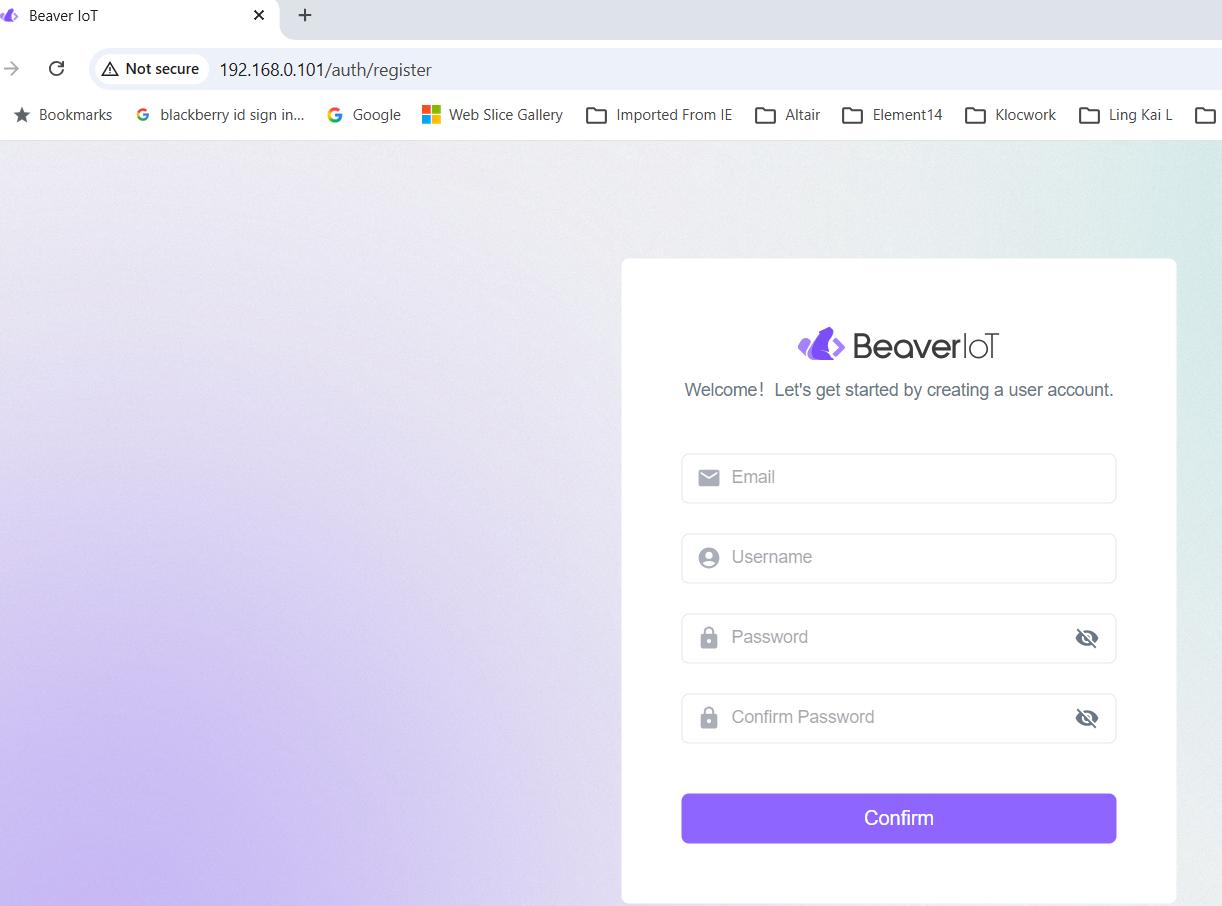
register an account through the page above.
Usage
MQTT Way
if network connectivity exists between the Beaver IoT server and the gateway, use MQTT way. it is simpler
Milesight Development Platform Way
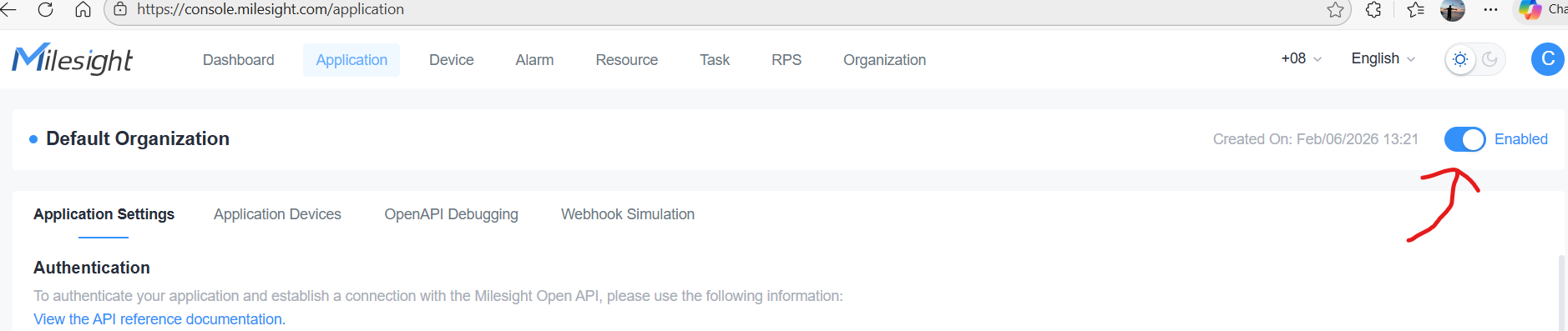
add integration with Milesight Development Platform and remember to enable it.
if not will have "API Error" when try to connect from Beaver IoT
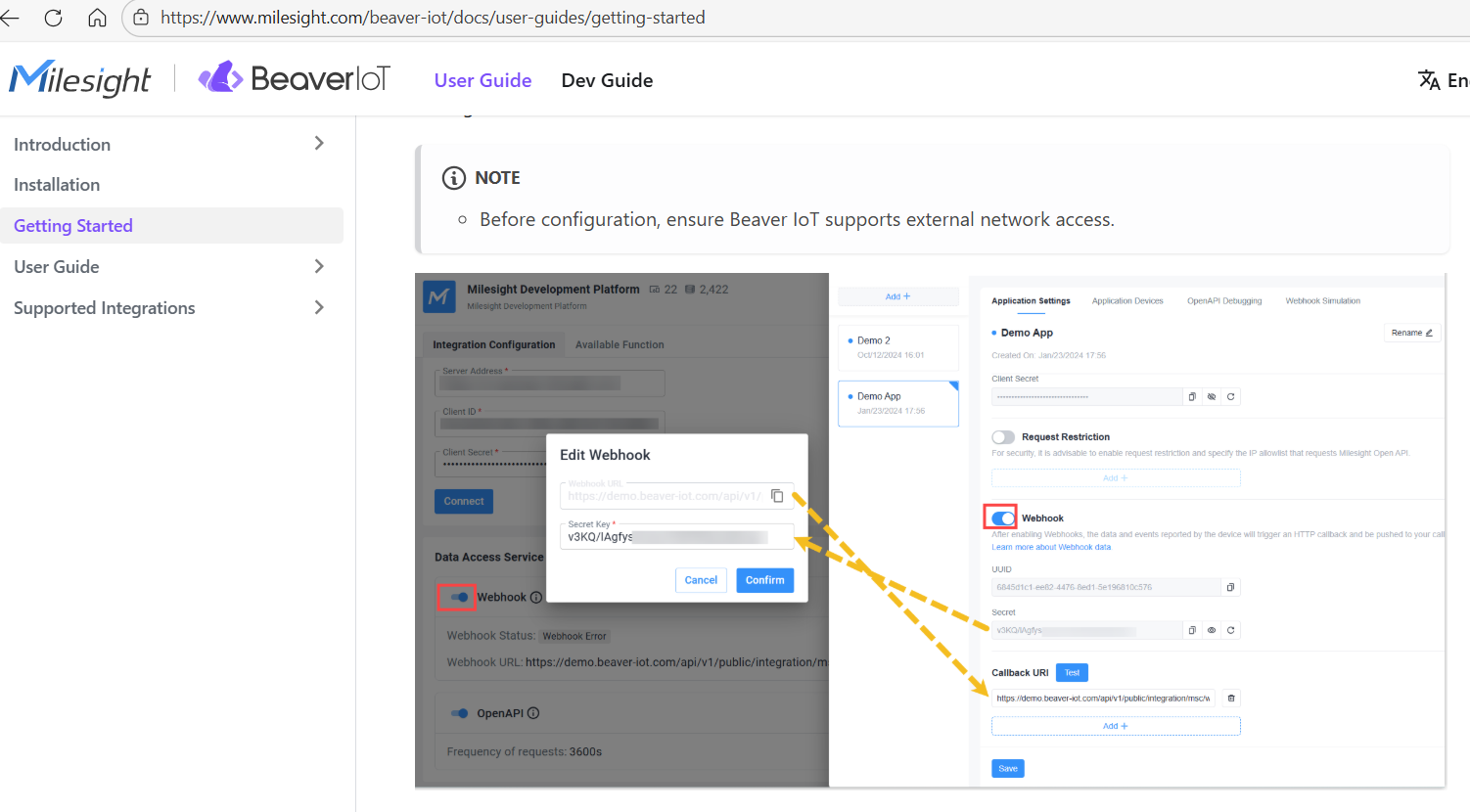
after that, enable webhook as mentioned in the getting started guide
then when we click